

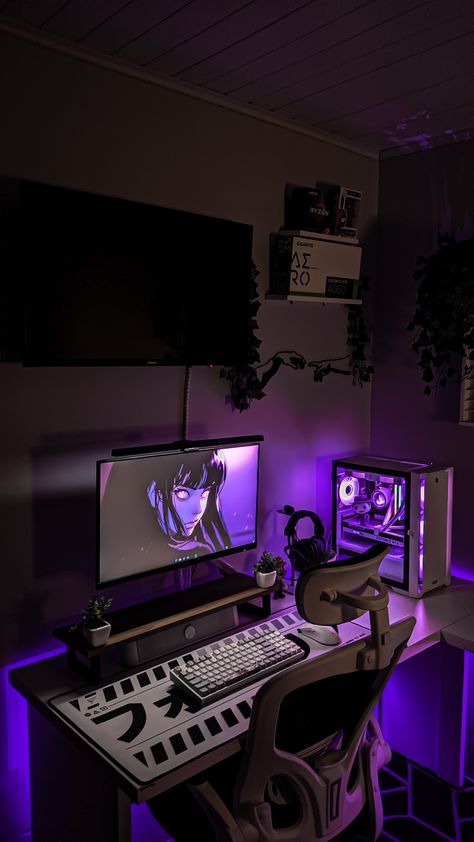
Choosing the right gaming keyboard can significantly impact your performance and enjoyment. Here are some key features to prioritize:
1. Switch Type:
- Mechanical Switches: The foundation of a great gaming accessories keyboard.
- Linear: Smooth and consistent actuation (e.g., Cherry MX Red, Gateron Red).1 Ideal for fast-paced games.
- Tactile: Provide a noticeable bump when actuated (e.g., Cherry MX Brown, Kailh Box Brown).2 Good for all-around use.
- Clicky: Offer a distinct audible “click” (e.g., Cherry MX Blue, Kailh Box White).3 Can be distracting for some.
- Consider your gaming style: Linear switches are generally preferred for fast-paced shooters, while tactile switches may be better suited for RPGs or MOBA games.
2. Polling Rate:
- How Often Data is Sent: The polling rate determines how often the keyboard reports keypresses to your computer.4
- Higher polling rates (e.g., 1000Hz) result in faster input response times.
- While a higher polling rate can provide a slight edge, the difference may not be noticeable for all players.
3. Anti-Ghosting and N-Key Rollover:
- Accurate Key Registration: Anti-ghosting ensures that multiple keys pressed simultaneously are accurately registered.5
- N-Key Rollover: Allows for the simultaneous registration of all pressed keys, essential for complex key combinations.6
4. Build Quality and Durability:
- Sturdy Construction: A well-built keyboard will withstand the rigors of gaming and last for years to come.
- Durable Keycaps: Look for keycaps made from high-quality materials like PBT or PBT doubleshot, which are more durable and resistant to wear and tear.7
5. Ergonomics and Comfort:
- Compact vs. Full-size: Consider your desk space and preferred layout. Tenkeyless (TKL) or 60% keyboards offer a more compact footprint.
- Wrist Rest: A detachable or integrated wrist rest can help prevent wrist strain during extended gaming sessions.
- Keycap Profiles: Different keycap profiles (e.g., Cherry, OEM, DSA) can affect typing ergonomics.8
6. Customization Options:
- RGB Lighting: Customizable RGB backlighting adds aesthetic appeal and can enhance immersion.9
- Macro Keys: Programmable macro keys allow you to execute complex commands with a single keypress.
- Software Support: Look for keyboards with robust software that allows you to customize lighting effects, adjust settings, and create macros.
7. Budget:
- Set a Budget: Determine your budget before starting your search.
- Prioritize Features: Focus on the features that are most important to you within your budget.
By carefully considering these factors, you can select a gaming keyboard that perfectly suits your needs, enhances your gameplay, and provides years of reliable service. Remember to research different options, read reviews, and if possible, try out keyboards in person to find the best fit for you.
